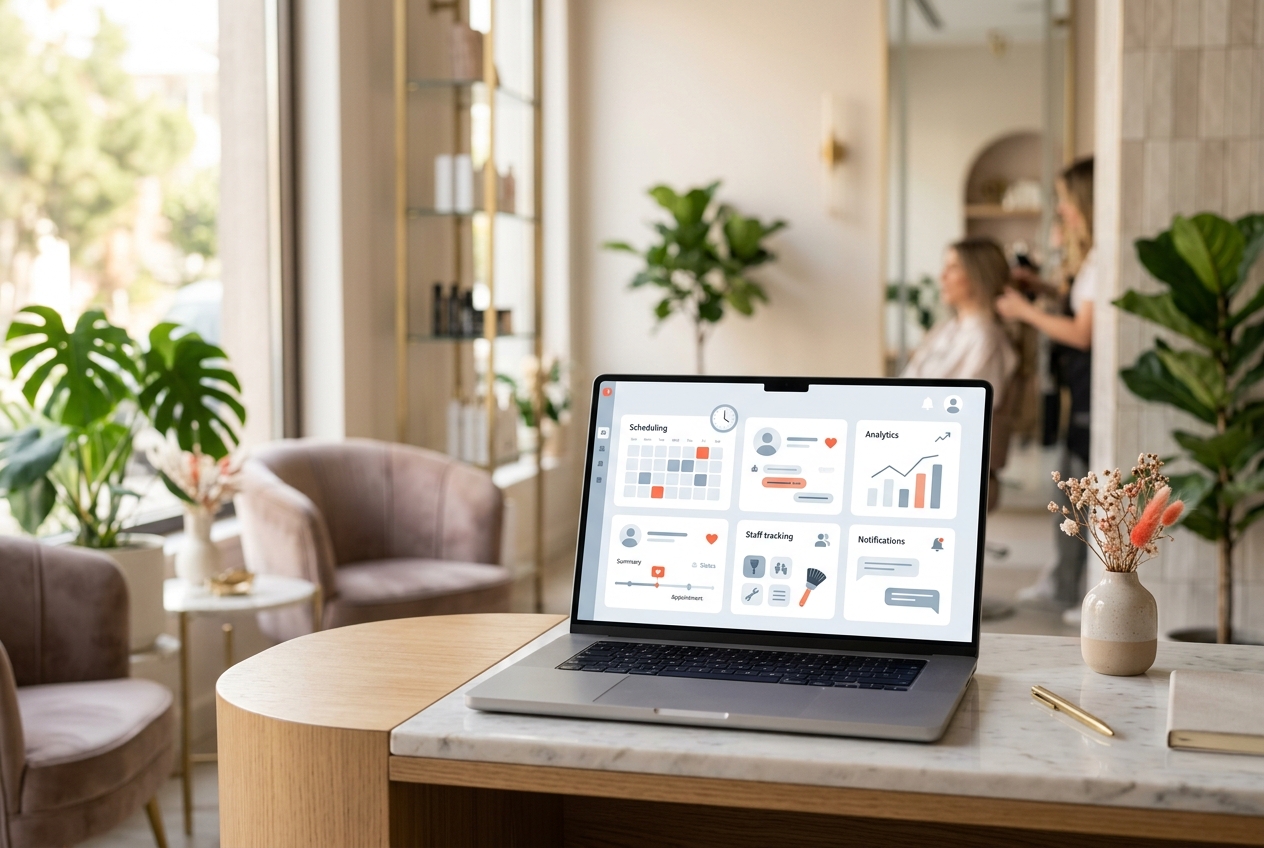
Salon management software is a program that lets a hair salon, beauty salon, barbershop or spa run its whole day from a single place. From bookings to the till, from client tracking to staff commission, it brings everything that happens in the shop into order — right on your computer or phone.
In short, it is the digital, connected version of your appointment book, your ticket pad, your client cards and your commission ledger. In this article we walk you step by step through exactly what salon management software is, which tasks it makes easier, who it helps, and what to look out for when choosing one.
Salon management software brings the different jobs you juggle in the salon — taking bookings, writing up a service ticket, recording a payment, remembering a client, working out staff commission — together in one system. Think of it as a hub that replaces the dozens of separate notebooks you keep by hand and ties them all together.
Here is the biggest difference: on paper, every piece of information is disconnected. The appointment in your book, the payment in the till and the client's history all live in separate places. In the software, when an appointment is completed it flows automatically into the ticket, the ticket into the till, and the till into your reports. You never enter the same information twice.
These programs usually run in the cloud (over the internet). That means you can reach the same data from the computer at the salon or the phone at home; and even if a computer breaks, your records are not lost.
You understand the value of salon management software best by looking at its modules. Each one takes over a specific task that wears you down in the salon. Here are the core building blocks:
Salon management software is not just for big chains. It makes life easier for everyone, from a single-chair barber to a multi-branch beauty center; only the standout benefits change from one segment to the next.
For hair and beauty salons, booking volume and client history (color formulas, skincare notes) are the most critical points. For barbers, speed, queue management and tracking regular clients come to the fore. In spas and treatment centers, session packages, room/cabin planning and staff commission carry the most weight.
If any of the following sounds like you, the software will seriously ease your workload:
Many salons still run the business on an appointment book and Excel. Those do the job at the start, but their limits show as the salon grows. The most basic difference is whether the data is connected or not.
In an appointment book there is a booking, but the revenue, commission and stock movement that come out of it do not carry over anywhere by themselves; you have to write them all down separately. In Excel, formulas break, the file sits on someone's phone, two people cannot edit at once, and one wrong keystroke shifts your data.
In salon management software, booking, ticket, client, commission and inventory all move along a single chain. On top of that it offers automatic reminders, online booking, backups and reporting — things paper and Excel can never give you. As much as it saves time, it also makes the revenue slipping through the cracks visible.
The biggest mistake when choosing software is deciding based on the screenshots alone. The real difference shows up in daily use and on the invoice. As you decide, be sure to question these points:
Pay particular attention to pricing. Some systems take a commission on online bookings or payments on top of the monthly fee; as the salon grows, that commission becomes a serious expense. A flat-priced, commission-free solution with no hidden costs is far more predictable in the long run.
No. A well-designed program is as simple as any app on your phone. Adding an appointment, ringing up a sale and checking the till take just a few taps, and most staff get the hang of it on the first day. It needs no complicated setup or technical knowledge.
Yes. Even for a single-chair barber or a solo beauty salon, appointment tracking, reminders that reduce no-shows and clear end-of-day revenue make a real difference. You can start on a free plan and expand as your needs grow.
With cloud-based software your data is stored on secure servers and backed up regularly. Even if the internet drops for a while, nothing is lost; when the connection returns you pick up right where you left off. Even if your device breaks, your records stay safe.
Commission-based systems take a cut of every online booking or payment; the more you work, the more they charge. With flat-priced software the monthly fee is fixed and does not change no matter how much business you do. For growing salons, a flat, commission-free model is usually far more advantageous.
Not quite. A booking app only keeps a calendar. Salon management software adds POS and checkout, client tracking, staff commission, inventory and reports alongside bookings; in other words, it runs the whole salon. If you only need a calendar, a simple tool will do, but if you want to see the business as a whole, a management program is the right choice.
SalonSync brings booking, POS, client tracking, commission and inventory together with 0% commission and flat pricing. Test it in your own salon on the free plan — no credit card required.