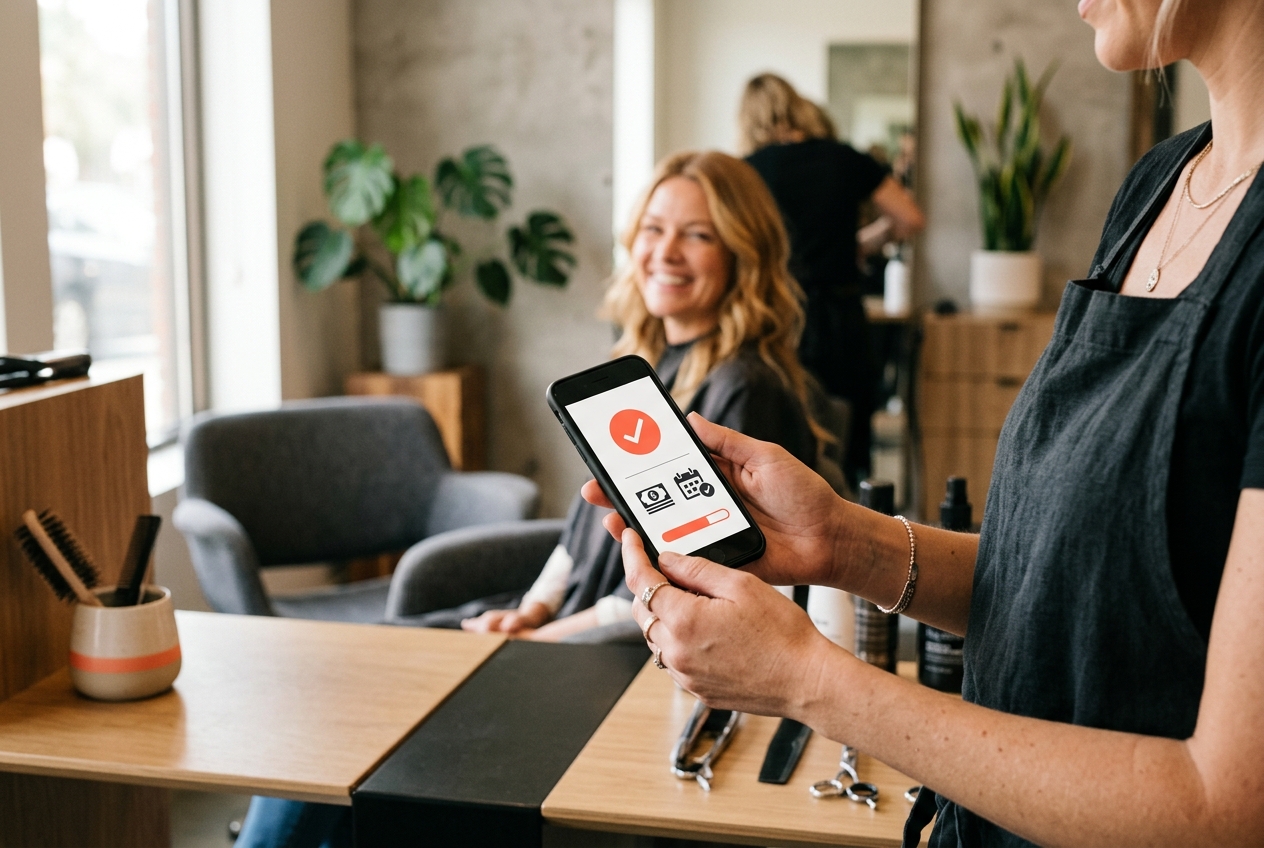
It's 9 p.m. Someone just found your salon on Instagram, loved your work, and wants to book a color for Saturday. But your phone is off, your DMs won't be checked until tomorrow, and by then they've already booked with the salon down the street that let them tap a button and pick a time. That's the quiet cost of taking every booking by phone or DM: the clients who reach you outside your working hours simply don't wait around.
Online booking fixes this without changing how you actually run your day. Your clients get to book themselves, at any hour, from the link in your bio — and you get fewer interruptions mid-haircut and a calendar that fills itself. This guide walks you through the whole setup, step by step, in plain language. No tech background needed, and you can genuinely have it live before you lock up this afternoon.
The pitch for online booking isn't "technology for its own sake." It's about recovering bookings and hours you're currently losing without realizing it. Three things change the day you turn it on:
First, you're open 24/7. Roughly half of all booking requests happen after businesses close — evenings, lunch breaks, Sunday mornings scrolling in bed. When there's a link to tap, those clients book themselves instead of waiting (and often forgetting).
Second, the phone stops ruling your day. Every call mid-service means gloves off, apologies to the client in your chair, and a scramble to check the calendar. When clients self-book, you glance at your screen between appointments instead of dropping everything on every ring.
Third, you get fewer no-shows. Automated reminders and optional deposits do the nagging for you, so people actually show up — or cancel early enough for someone else to grab the slot.
Everything starts with your service menu, because that's what clients pick from. Write down what you actually offer, and be honest about how long each one really takes — including cleanup and setup, not just the time your hands are moving.
Accurate durations are what protect your calendar. If a balayage genuinely needs three hours but you list it as two, online booking will happily double-book you into a stressful afternoon. Round to the real number.
Keep the menu clean and readable. Group similar services (cuts, color, treatments, nails) and use names a client would recognize, not internal shorthand. If a price varies by hair length or stylist, note that in the description rather than guessing a single number.
Next, tell the system when you're actually open to be booked. This is where online booking earns its keep: it only ever offers slots you can genuinely work, so you're never surprised by an appointment during your lunch or after you've gone home.
Set your regular opening hours, then block out the things that aren't bookable — your lunch break, admin time, a standing gym class, the school run. If you work with a team, each person gets their own hours and days off, so the calendar respects everyone's real schedule.
Don't forget the edges: holidays, the week you're away, the Saturday you're fully booked for a wedding party. Blocking these in advance means no client ever books a time you can't honor.
Once your services and hours are in, you get something that quietly does a lot of heavy lifting: your own booking page — a clean, branded page with your salon name, services, and a live calendar clients can book from directly. It comes with a simple link you can share anywhere.
With SalonSync, that page and link come free with your account, and clients never see a commission fee or a marketplace pushing your competitors alongside you. It's your page, your brand, your clients — not a directory renting you your own customers.
Add your logo, a few photos of your work, and a short welcome line so it feels like you rather than a generic form. Then test it yourself: open the link on your phone, book a fake appointment, and make sure the flow feels effortless. If it's easy for you, it's easy for your clients.
A booking link only works if people can find it. The good news: your clients are already looking at the exact places you need to add it. You don't need a website — you need your link in three or four high-traffic spots.
Start with your Instagram bio, since that's where a huge share of salon discovery happens. Put the link right there with a clear call like "Book now" so someone admiring your work can go straight from photo to appointment. Add it to your story highlights and your link-in-bio tool too if you use one.
Then claim and update your Google Business Profile — this is what shows up when someone searches your salon or "hair salon near me." Add your booking link as the appointment URL so people can book straight from Google Maps and Search. Finally, drop it into your Facebook page button, your WhatsApp auto-reply, and your email signature.
Now for the part that protects your income. No-shows and last-minute cancellations are the tax you pay for a fully open calendar — but two simple settings shrink that tax dramatically.
Deposits give clients a reason to show up. Asking for a small upfront amount on longer or higher-value services filters out the people who were never serious, and cushions you when someone does vanish. You don't need it on every service — start with color, extensions, and anything over a certain length.
Automated reminders handle the forgetting problem. A confirmation when they book, then a nudge the day before by text or email, means far fewer people simply lose track of the appointment. It's the follow-up you'd never have time to do by hand, running quietly in the background for every single client.
Here's the reassuring part: none of this takes weeks. Sit down with a coffee, and the whole setup fits into a single afternoon. List your services, set your hours, personalize your page, and paste the link into your Instagram bio and Google profile. That's the core done.
Do one final walk-through as if you were a client: book a test appointment, check the confirmation and reminder land correctly, and cancel it to see how that feels too. Once it looks right, announce it. A simple post — "You can now book online, anytime, right from the link in our bio!" — tells your existing clients the easy way is open.
From there, it runs itself. You'll notice the first evening booking land while you're at home, the phone ringing a little less, and your Saturdays filling without a single back-and-forth message. You can always refine durations and add deposits later — the important thing is to switch it on and let it start catching the clients you were quietly losing.
No. Your booking page is a standalone page with its own link — you just share that link in your Instagram bio, Google profile, and messages. A website is optional; the booking link does the job on its own.
The opposite. Clients can only book the hours, services, and staff you've made available, and you can block breaks, days off, and busy periods in advance. You set the rules once, and the system enforces them for every booking.
That's fine — online booking is an addition, not a replacement. You can still take bookings by phone or DM and enter them yourself, while everyone else self-serves through the link. Over time most clients happily switch to booking themselves.
Deposits give clients a small financial reason to keep the appointment or cancel early, and automated reminders stop people from simply forgetting. Together they catch the two main causes of no-shows without you having to chase anyone.
For most single-chair and small salons, an afternoon. The bulk of the time is listing your services with honest durations; setting hours, personalizing your page, and adding the link take just minutes each.
Set up your services, hours, and free branded booking page with SalonSync — 0% commission, flat pricing, and a free plan to start. You can be live this afternoon.